Background Remover
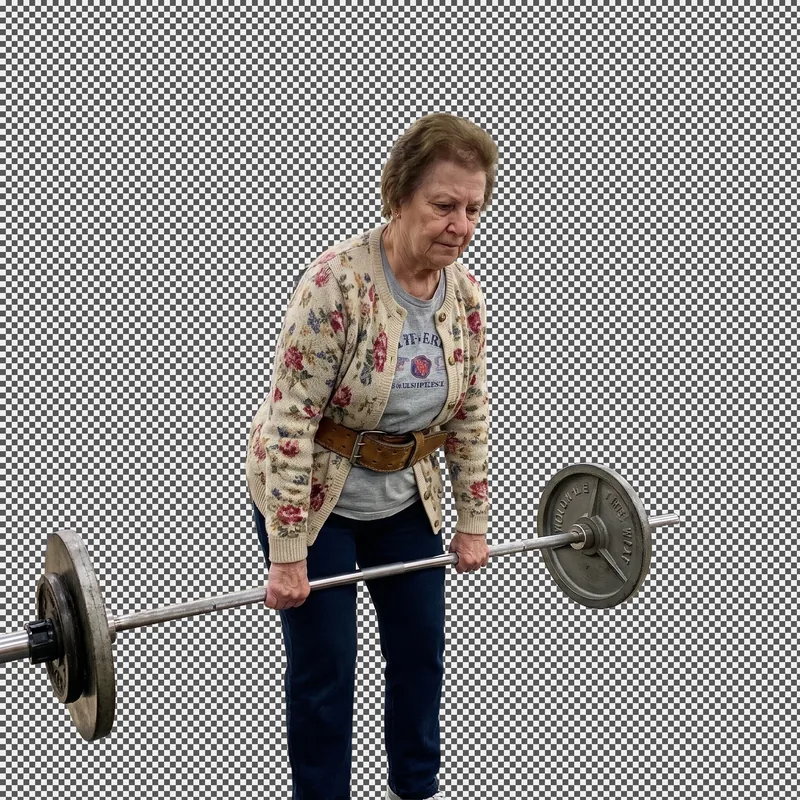
Keep the subject, lose everything behind it. What comes back is a PNG with nothing where the background was.

Process
How it works
- Step 1Add a photo. A product shot, a portrait, a pet, anything with a subject in it.
- Step 2The engine traces the edge of that subject, down to hair and fur.
- Step 3Take the PNG, or send it to the image studio and put it somewhere else.
Questions
Questions, answered
What file types can I upload?
JPG, PNG, GIF and WEBP, up to 5MB. What comes back is always a PNG, because a transparent background needs one.
Does it work on hair and fine edges?
That is the part it is built for. Flyaway hair, fur and soft edges survive on most photographs. A subject the same color as what is behind it is the hard case, for this and for every other cutout tool.
Is it free?
No. It costs 3 credits a go and the button shows the price before you press it. Every plan includes every model, so there is nothing to unlock.
What happens to my uploads?
They go through our content checks, sit privately in your account, and are used for nothing except making your result.
Elsewhere