Image Upscaler
Bigger, and still sharp. The detail that was there gets clearer instead of smeared.
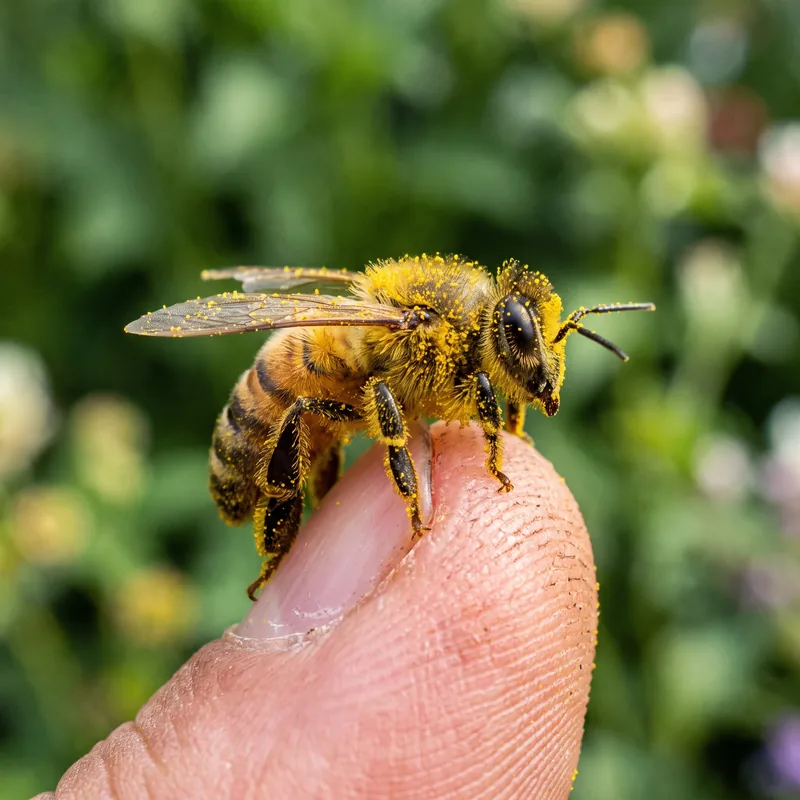
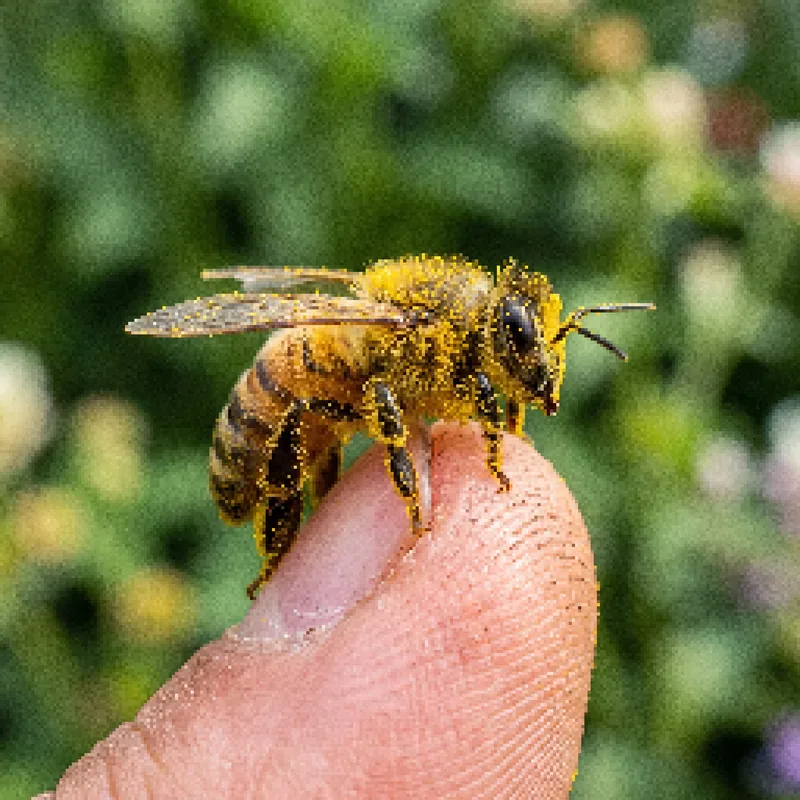
Process
How it works
- Step 1Add the picture that is too small for what you need it for.
- Step 2The engine enlarges it and rebuilds the edges, rather than blurring between pixels.
- Step 3Take the bigger file, or keep working on it in the image studio.
Questions
Questions, answered
How much larger will my image be?
Roughly twice the width and height, which is the size jump that matters for web, print prep and product shots.
Will it invent details that weren't there?
It is deliberately conservative. It sharpens and enlarges what is in the file instead of dreaming up texture, so a face stays the same face.
How much does it cost?
2 credits per upscale, shown on the button before you press it.
What's the input limit?
5MB, as JPG, PNG, GIF or WEBP. A larger source gives a better result, so upload the original rather than a messaging app's copy of it.
Elsewhere