Image Extender
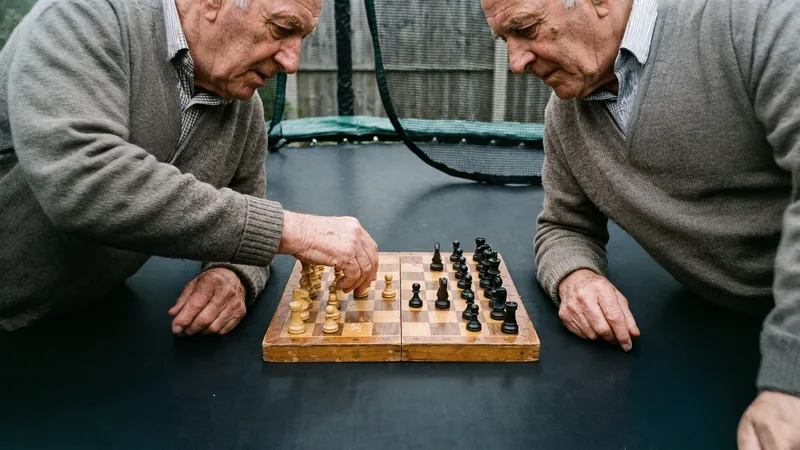
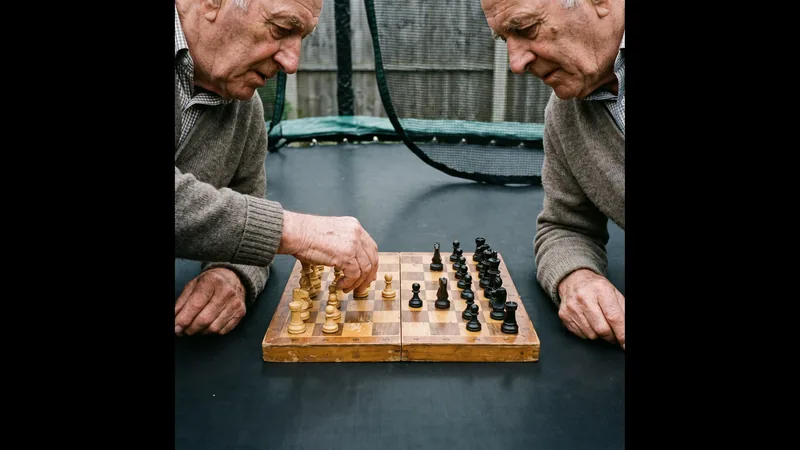
Paint past the edge of the frame. The room, the sky and the street carry on into the space you needed.
Process
How it works
- Step 1Add an image and pick the shape you need it to end up.
- Step 2The engine keeps your picture where it is and invents what sits around it.
- Step 3Take the wider file, or carry on in the image studio.
Questions
Questions, answered
How is this different from cropping?
A crop throws pixels away. This adds them. Your subject stays the size and the place it already was, and the surroundings continue outward to fill the new shape.
Which ratios are supported?
Square, 4:3 and 3:4, 16:9 and 9:16, and the cinematic 21:9 and 9:21. The ratio chip on the page lists whatever the engine currently accepts.
What does it cost?
7 credits per extension, on any plan, shown on the button.
When does it work best?
When there is something to continue: sky, water, a wall, a table, a street. A tight portrait against a busy pattern is the hardest case, and it extends best toward the plain side.
Elsewhere